You need to enable JavaScript to run this app.
Thank you for reporting this missing image
Our team will work to update this soon
Print
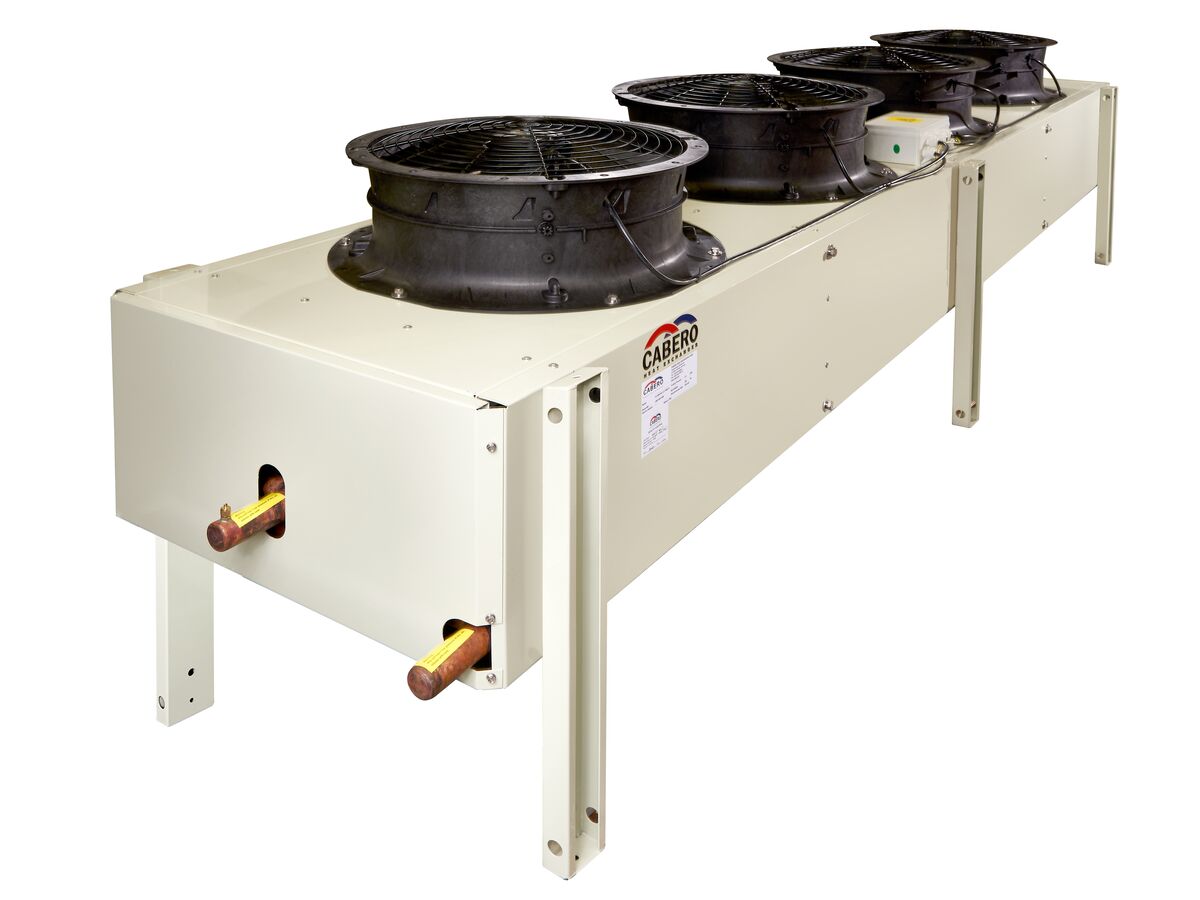
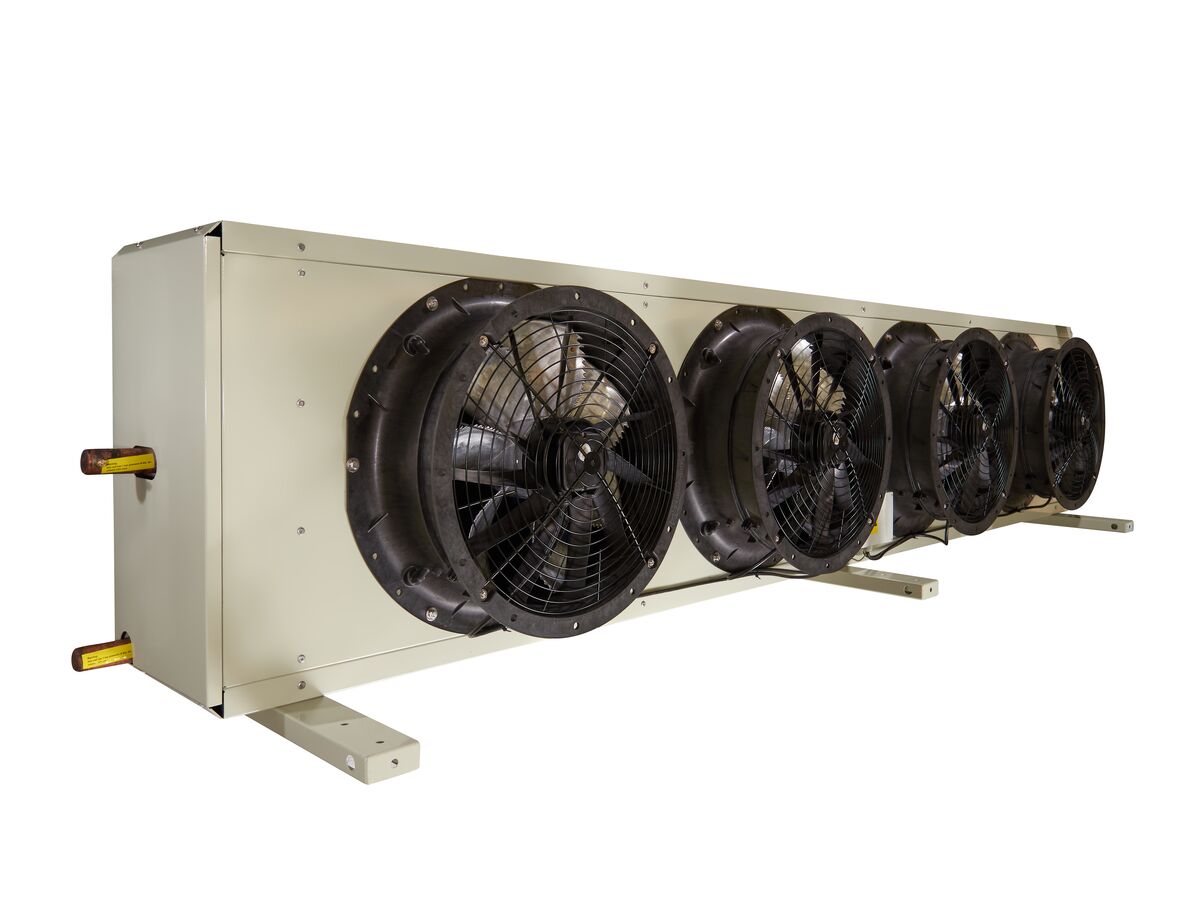
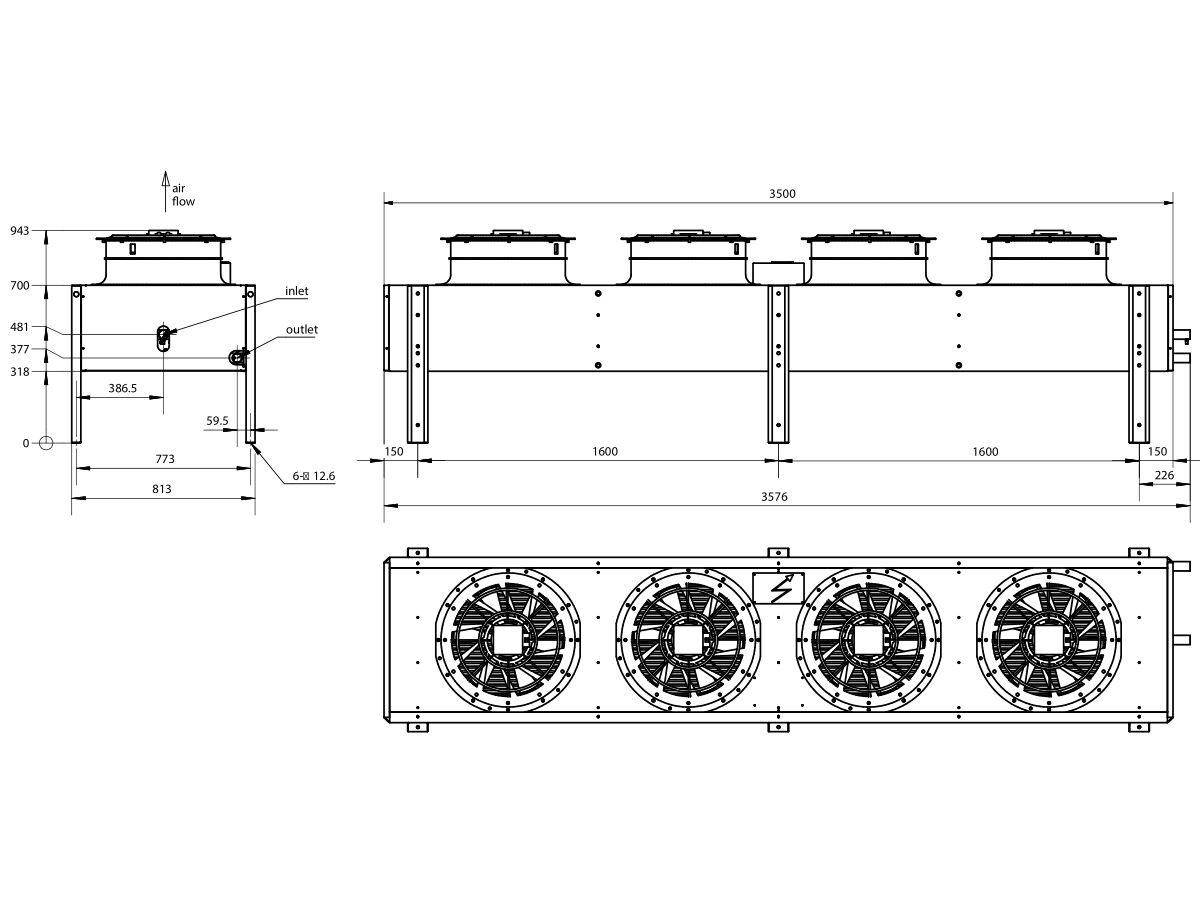
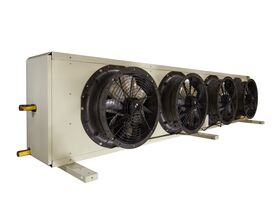
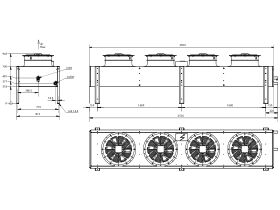
Cabero Remote Condenser ACH057A4-3.2-18NZ-D
Product code:
3512059
View Product Specifications
Product Specifications
Warranty Information
Documents and Downloads
Back
Model Number
ACH057A4-3.2-18NZ-D
Length
3580 mm
Width
815 mm
Height
950 mm
Suction Connection Size
1 5/8 "
Liquid Connection Size
1 5/8 "
Fan Diameter
500 mm
Weight
275 kg
Number of Fans
4
Fan Phase
Three Phase
Learn about our
Product Quality Guarantee
Brochure - Cabero Condenser
View
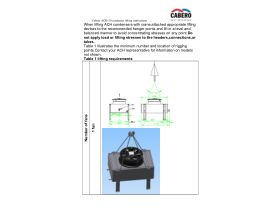
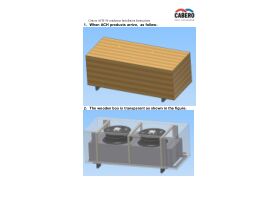
Installation Instructions - Cabero Condenser ACH-50 Condenser Lifting Instructions
View
Installation Instructions - Cabero Condenser ACH-50 Condenser Installation Instructions
View
Brochures
Brochure - Cabero Condenser
View
Specification, Manuals & Installation
Installation Instructions - Cabero Condenser ACH-50 Condenser Lifting Instructions
View
Installation Instructions - Cabero Condenser ACH-50 Condenser Installation Instructions
View
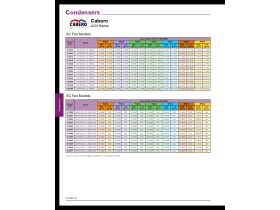
Capacity Data - Cabero ACH Series
View
Warranty
Warranty - Cabero
View
Cabero Remote Condenser ACH057A4-3.2-18NZ-D
View in AR
Hold and drag the right mouse button to move objects.
Scroll with the mouse wheel, or pinch with the trackpad, to zoom
Hold and drag the left mouse button to rotate objects.
Drag with two fingers to move object
Pinch with both fingers to increase/decrease the size.
Drag with one finger to rotate object