

Design refrigeration systems with confidence
ACTROL Virtual Engineer makes it simple to calculate heat loads, match equipment and size pipework quickly and accurately from anywhere.
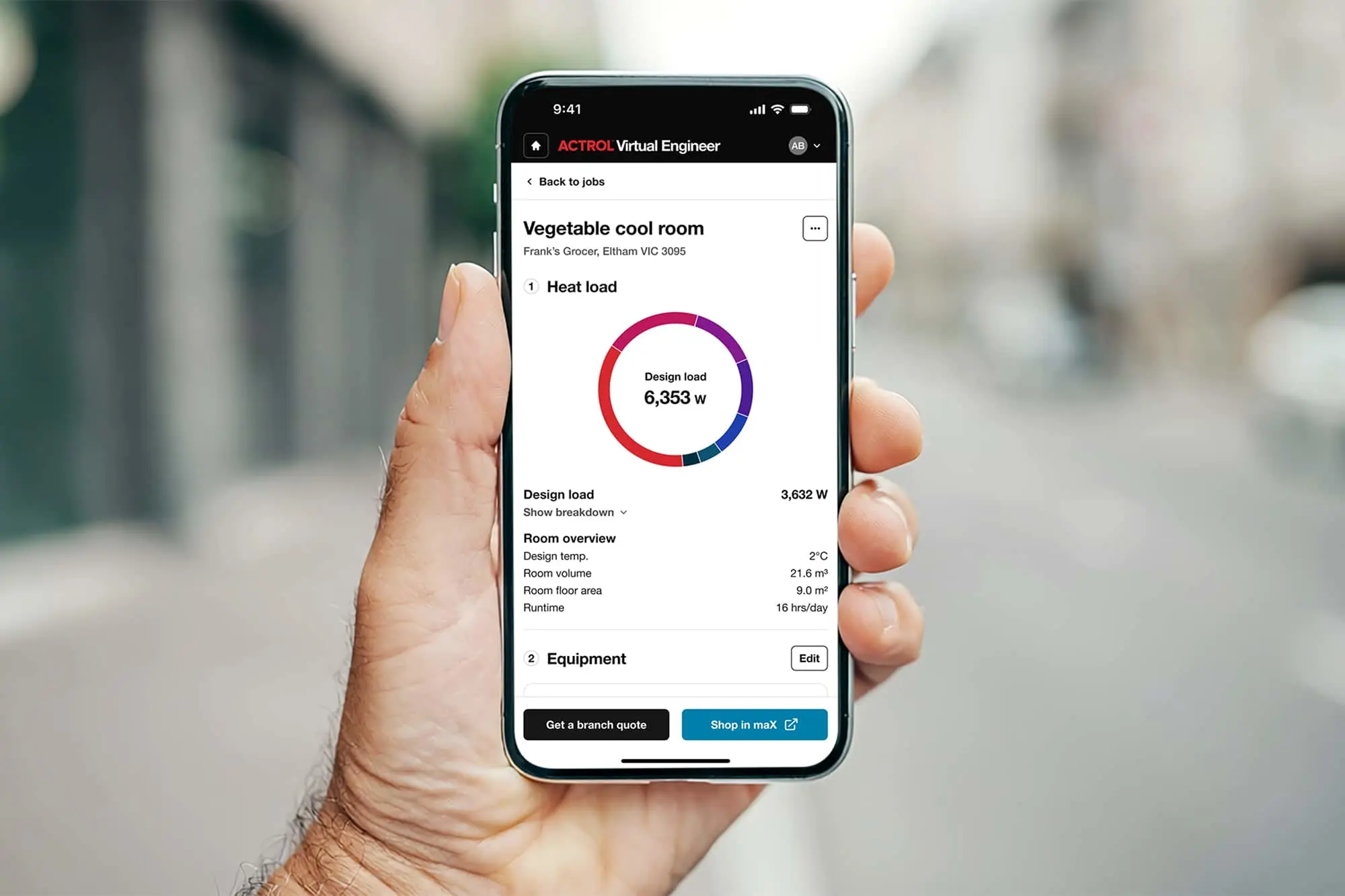
ACTROL Virtual Engineer
Keep projects moving while saving time and reducing specification risk. ACTROL Virtual Engineer streamlines refrigeration system design from start to finish with the ability to calculate heat load, select matched condensing units and evaporators, and place an order through maX in one connected workflow.
How it works

01
Calculate the right heat load
Enter your room details, product storage requirements and site conditions. Virtual Engineer calculates the refrigeration load using proven engineering principles.
02
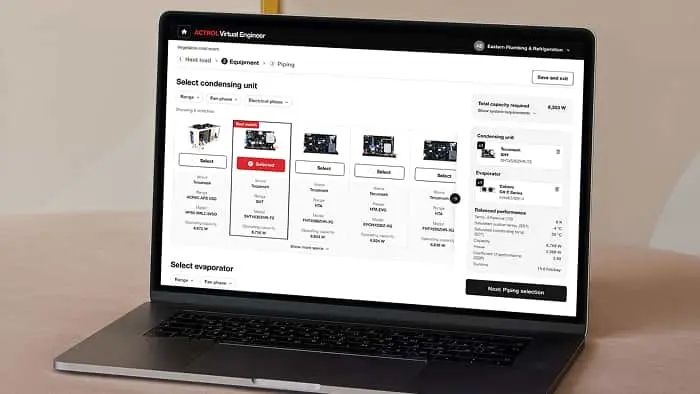
Get the right equipment, automatically
Based on your heat load requirements, ACTROL Virtual Engineer matches compatible condensing units and evaporators from our refrigeration range.
03
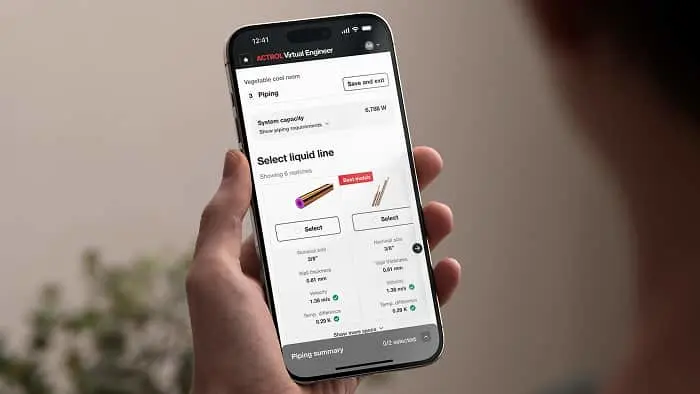
Select your pipework
Get pipe sizing recommendations that align with your selected equipment and system requirements — making it easier to design your entire system, from start to finish.
04
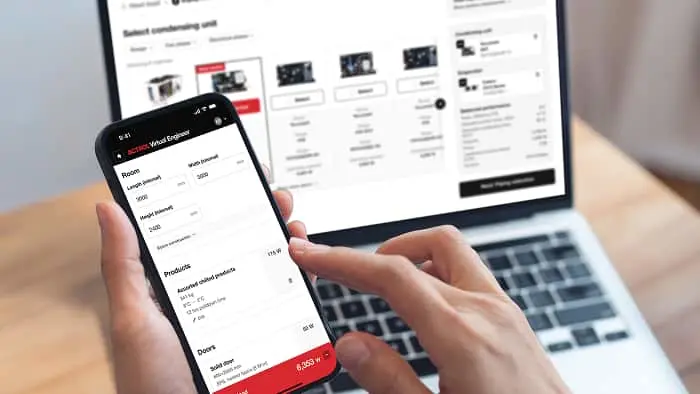
Lock it in and order through maX
Seamlessly order everything you need through your maX account. ACTROL Application Engineers are always on hand to review more complex systems.
Built for refrigeration engineers
Reduce design time, remove guesswork and improve specification accuracy to keep your projects moving.

Fast and accurate
Step-by-step inputs make sure nothing gets missed, with calculations backed by ACTROL’s proven engineering logic.

Get time back in your day
No spreadsheets. No back and forth. Just fast, accurate specs – plus the ability to save, edit and duplicate jobs to move even quicker next time.
Expert review on call
Complex job? Have an ACTROL Application Engineer personally review your design and give feedback and recommendations.

Works wherever you do
Use it wherever the job takes you. ACTROL Virtual Engineer works on a laptop, tablet or phone. So you can use it on-site, or at your desk.
Frequently asked questions
General
Features and functionality
Equipment selection
Stock and pricing
Engineer review
Access and account management

Design your next system faster
Open maX and start your next project with ACTROL Virtual Engineer.